Delete Duplicate Photos
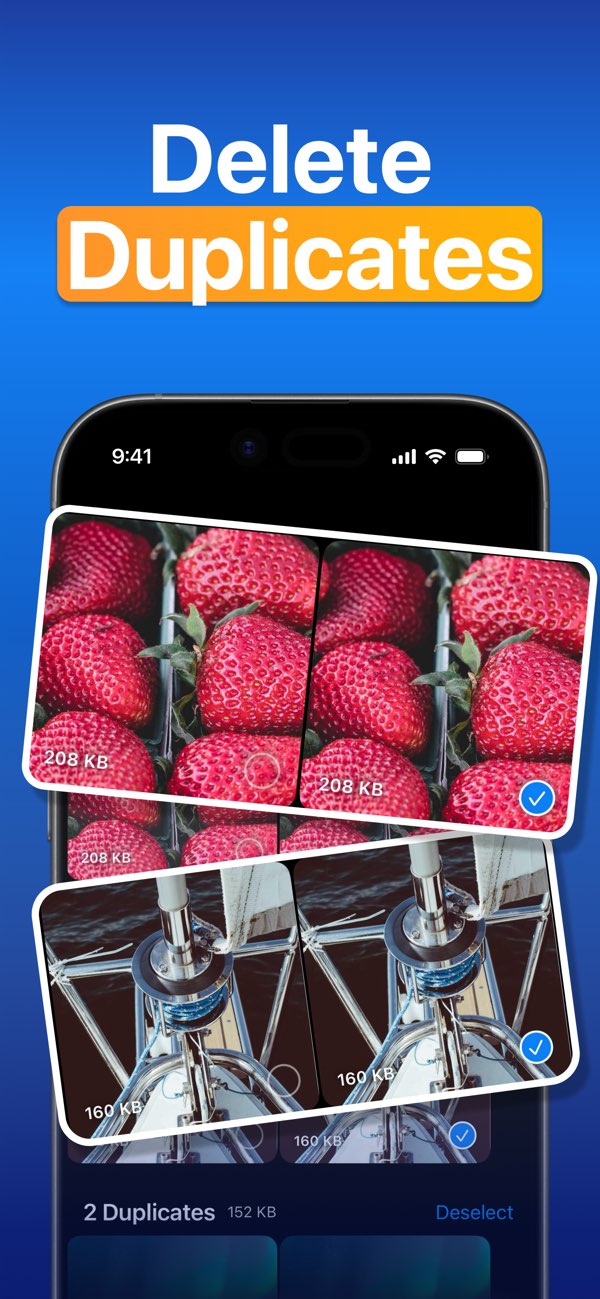
Find duplicate photos and videos before deleting extra copies.
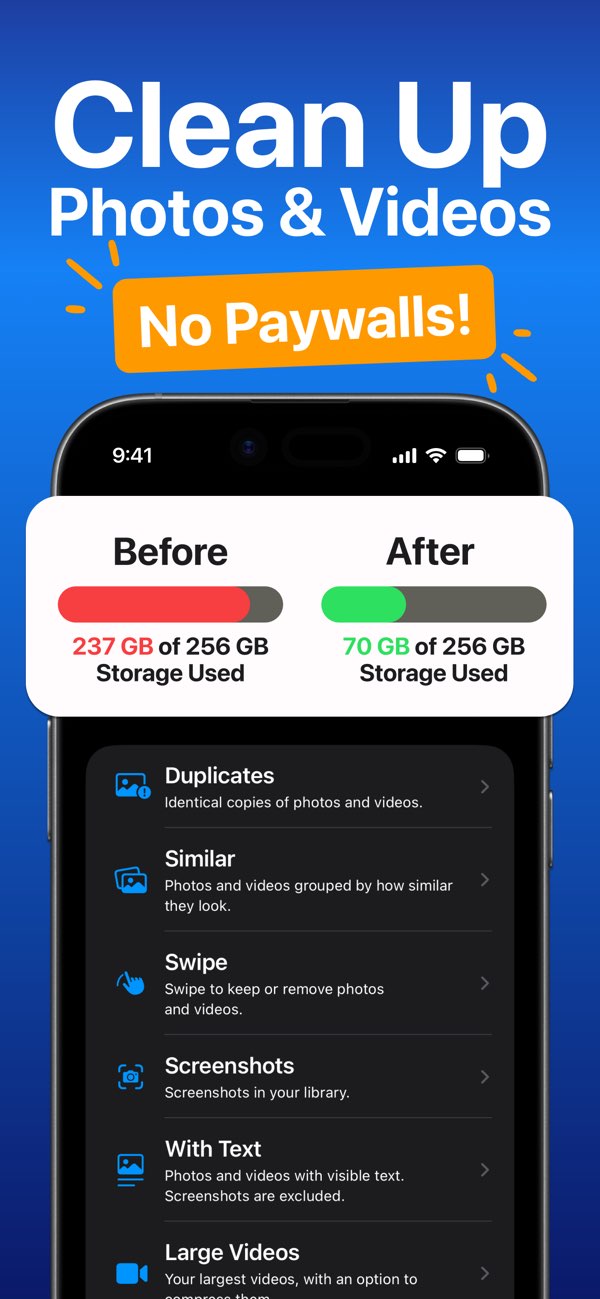
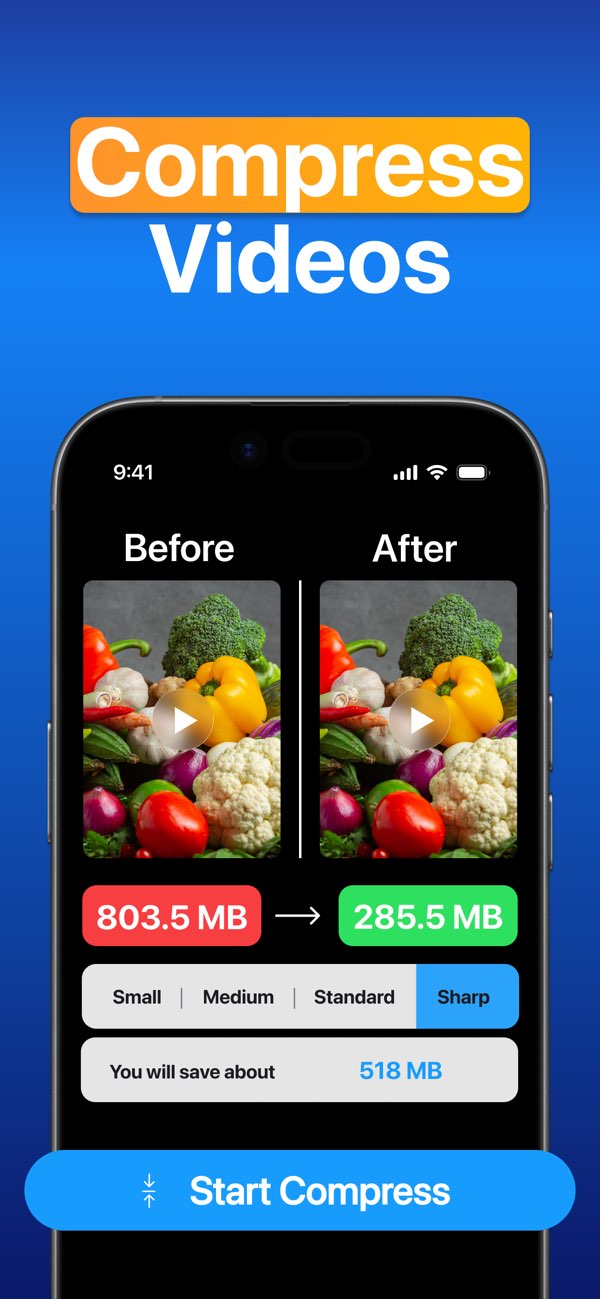
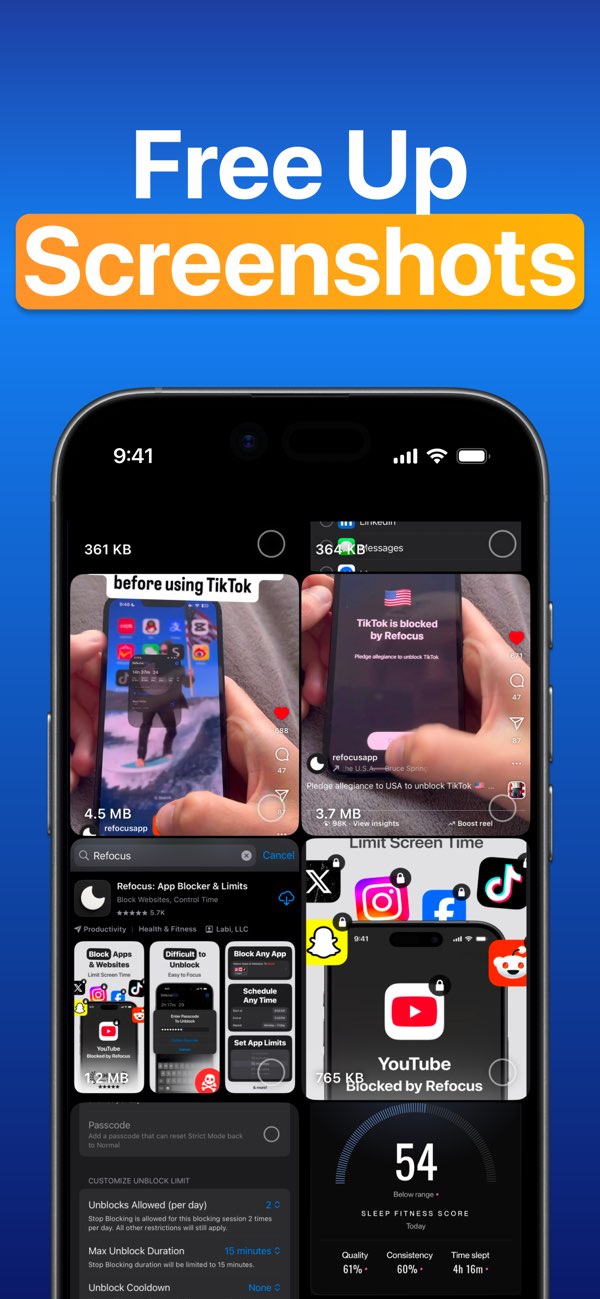
Reclean finds duplicates, similar photos and videos, screenshots, and large videos, with swipe review and video compression to help free storage

Find duplicate photos and videos before deleting extra copies.
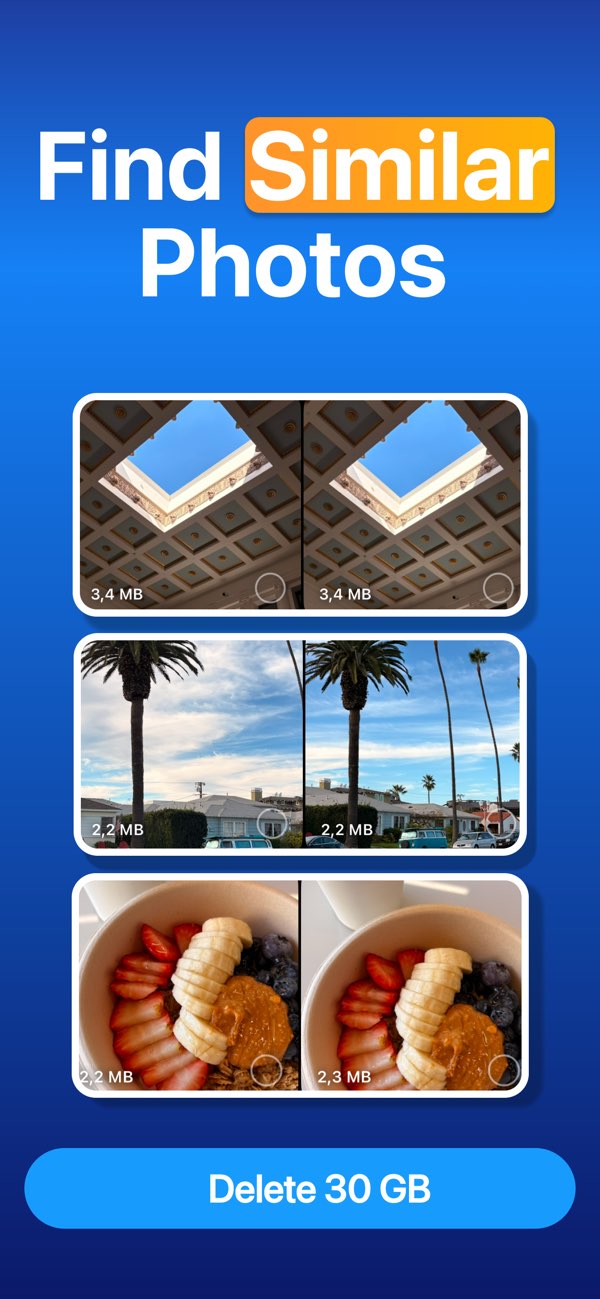
Group look-alike shots so you can keep the best one.
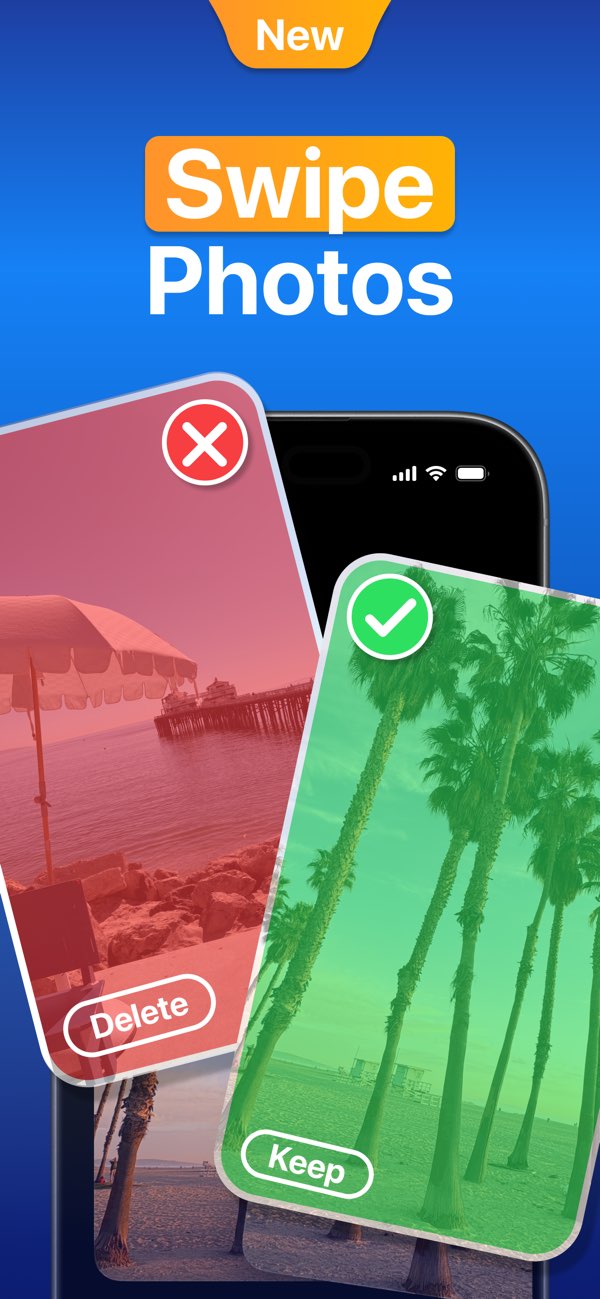
Swipe right to keep, left to mark photos and videos for removal.
Review screenshots and text-heavy images that pile up fast.
Shrink one selected video and save a smaller copy to Photos.
Reclean scans on your iPhone, without uploading your library.
I have tried so many photo cleaning apps because I’ve been hoarding pictures on my phone across so many years and none have actually have any impact on my storage. With the lack of pay walling their features I can actually use them and get rid of pictures I don’t need. The people behind this are genuine saints and life savers
I’ve been so confused by Apps to clean up photos - all requiring regular fees so was very pleased indeed to find this one. Thank you so much. It makes the process of viewing duplicates a lot easier and from there deciding which ones to get rid of is easy. Also, showing photos which are similar is very helpful.
I use this app daily. I have saved like 50 GB of space on my phone! We travel a lot and I promote my business on Instagram. This app’s “swipe to delete” function makes it so simple to cull footage from content days or trips! I have loved using it and recommend it all the time!
I had shortcuts that would compress large videos for me, but the process was bulky and not efficient. This app is EPIC. Super smooth and easy way to scale your high resolution images down to save space, but not have to delete memories. Thanks for making this, it’s awesome!!
I’ve saved sooo much storage on my phone because of this app. I make content for a job and for myself so I take tons of pictures and videos. I feel like Reclean is the only way I ever have enough storage on my phone
Incredibly convenient app with so much thought put behind it, remembers what you have already chosen to delete so you never have to start the cleaning process over. And all of that at no cost
Was looking for good app for simply deleting apps without paywall and found one. Similarity and swipe delete modes r very useful. Would love to have a shuffled view or all photos
I love this app, it's so convenient for deleting lots of photos at once and it will even group similar photos together to make it easier to decide what to delete.
Reclean is a free photo cleaner for iPhone that helps you clean up photos and videos in your Photos library. Find duplicate photos, review similar photos and videos, clean up screenshots, compress large videos, and delete the items you no longer need.
▶ Swipe through your camera roll: Swipe right to keep or left to mark photos and videos for removal, then review your removal list before deleting.
▶ Find duplicate photos and videos: Reclean groups identical copies and helps you review extra copies before deleting them.
▶ Review similar photos and videos: See visually similar items together, adjust the similarity level, and sort by newest, oldest, largest, or smallest.
▶ Clean up screenshots and text-heavy media: Find screenshots, receipts, notes, documents, slides, and other photos or videos with visible text.
▶ Manage large videos: Sort videos by size, delete large files, or compress one selected video and save a smaller copy back to Photos.
▶ Check storage while you clean: See item counts, file sizes, and your iPhone's available storage as you organize photos.
1. Allow Reclean to access Photos.
2. Choose a cleanup mode: Duplicates, Similar, Swipe, Screenshots, With Text, Large Videos, or All Photos & Videos.
3. Select what you want to delete. Deleted items move to Photos > Recently Deleted, where you can recover them or empty the album to free storage.
Reclean does not upload or share your photos. Scanning and categorization happen on your iPhone, so your photos stay on device.
Yes. Reclean is free to download and use, with no paywall for the cleanup tools. The app is supported by ads, but they are designed to stay out of the way so you can focus on cleaning up your photo library.
When you delete photos or videos in Reclean, they move to Photos > Recently Deleted. You have 30 days to recover them there. To free storage sooner, open Recently Deleted and delete them permanently.